

Browse the App Store
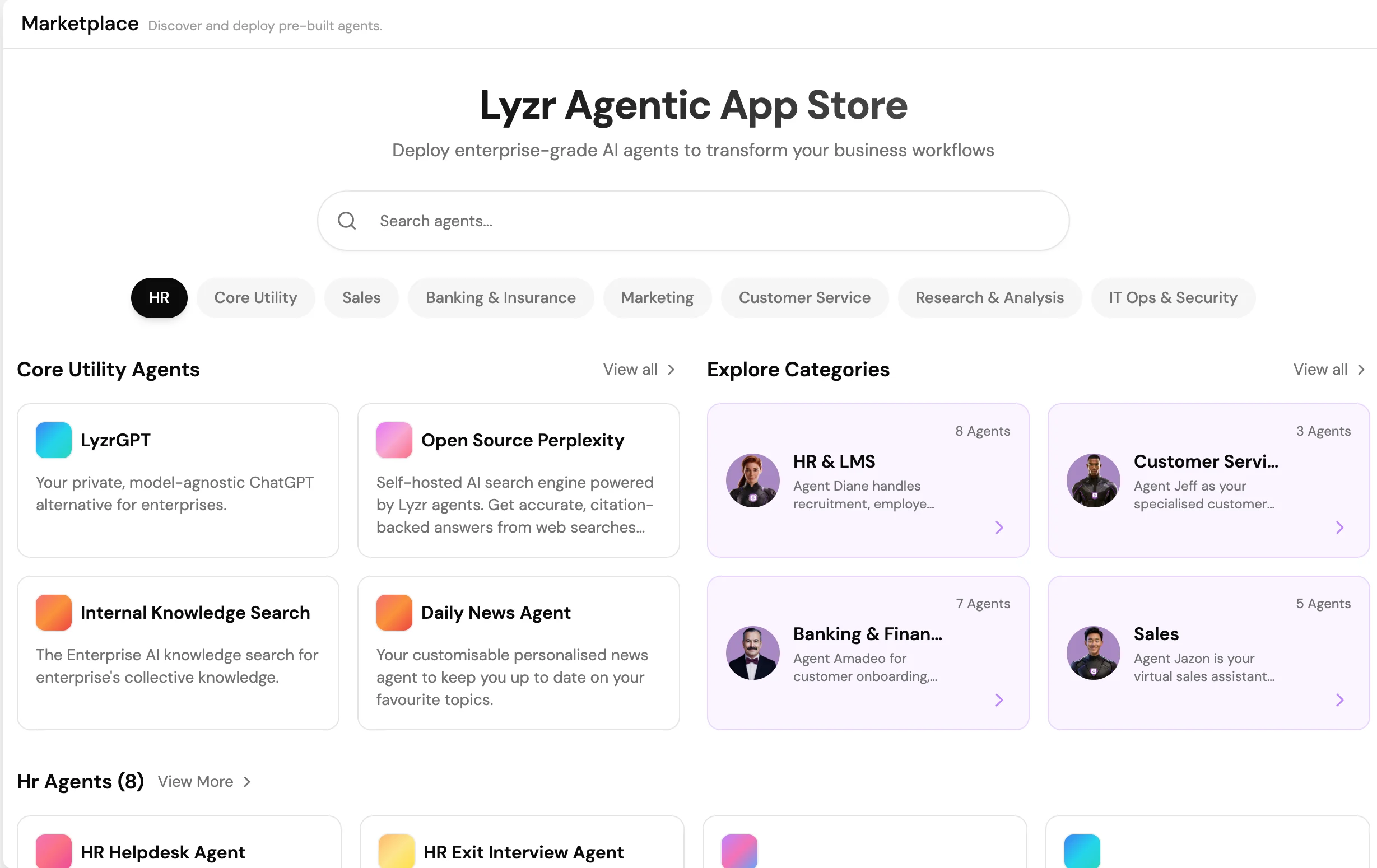
Select App Store in the Studio sidebar to open the catalog. Applications are organized by category:- Customer Support: Ticket routing, FAQ bots, escalation agents
- Sales and Marketing: Lead qualification, competitive research, content generation
- HR and Operations: Policy Q&A, onboarding assistants, scheduling bots
- Finance and Legal: Document analysis, compliance checkers, contract review
- Engineering: Code review bots, incident response agents, documentation generators
Deploy an application
- Find the application using the category filters or the search bar.
- Select the application card and choose Preview to review its configuration and capabilities.
- Select Deploy to Workspace. The agent or application is created in your organization’s workspace.
- Customize the role, instructions, Knowledge Base, and tools to fit your needs.
- Test and deploy using the standard agent workflow.