

POST request to that URL, the agent runs with the request’s JSON body as its message. Requests must be signed with the webhook’s secret key, so only systems that hold the secret can trigger the agent.
Use a webhook when the agent should react to an event as it happens. To run an agent at fixed times instead, use the Scheduler.
Setting up a webhook
Open the agent in Agent Builder and open its webhook settings. Once the webhook is created, the Webhook Configuration panel shows its details.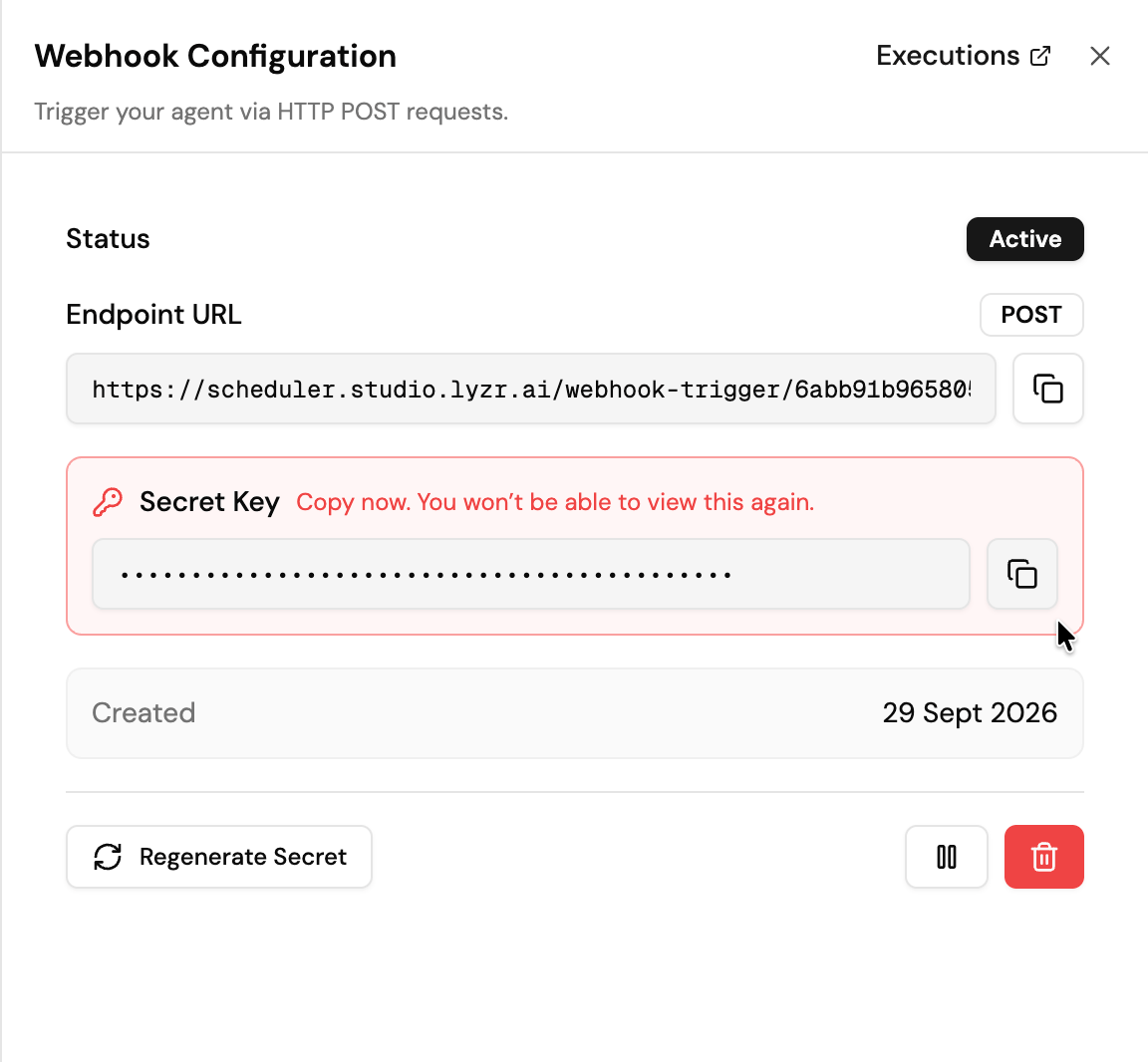
Each agent has one webhook.
Calling the webhook
Send aPOST request to the endpoint URL with a JSON body and an X-Webhook-Signature header. The signature is sha256= followed by the HMAC-SHA256 of the raw request body, using the secret key.
202 right away and the agent runs in the background. Requests with a missing or incorrect signature are rejected with 401.
For Python and Node.js examples, see Trigger Webhook.
Connecting GitHub
GitHub signs its webhook deliveries in the same format, so you can point a GitHub webhook straight at the agent:- In your repository, go to Settings > Webhooks > Add webhook.
- Set Payload URL to the endpoint URL.
- Set Content type to
application/json. - Set Secret to the webhook’s secret key.