

Creating a Knowledge Base
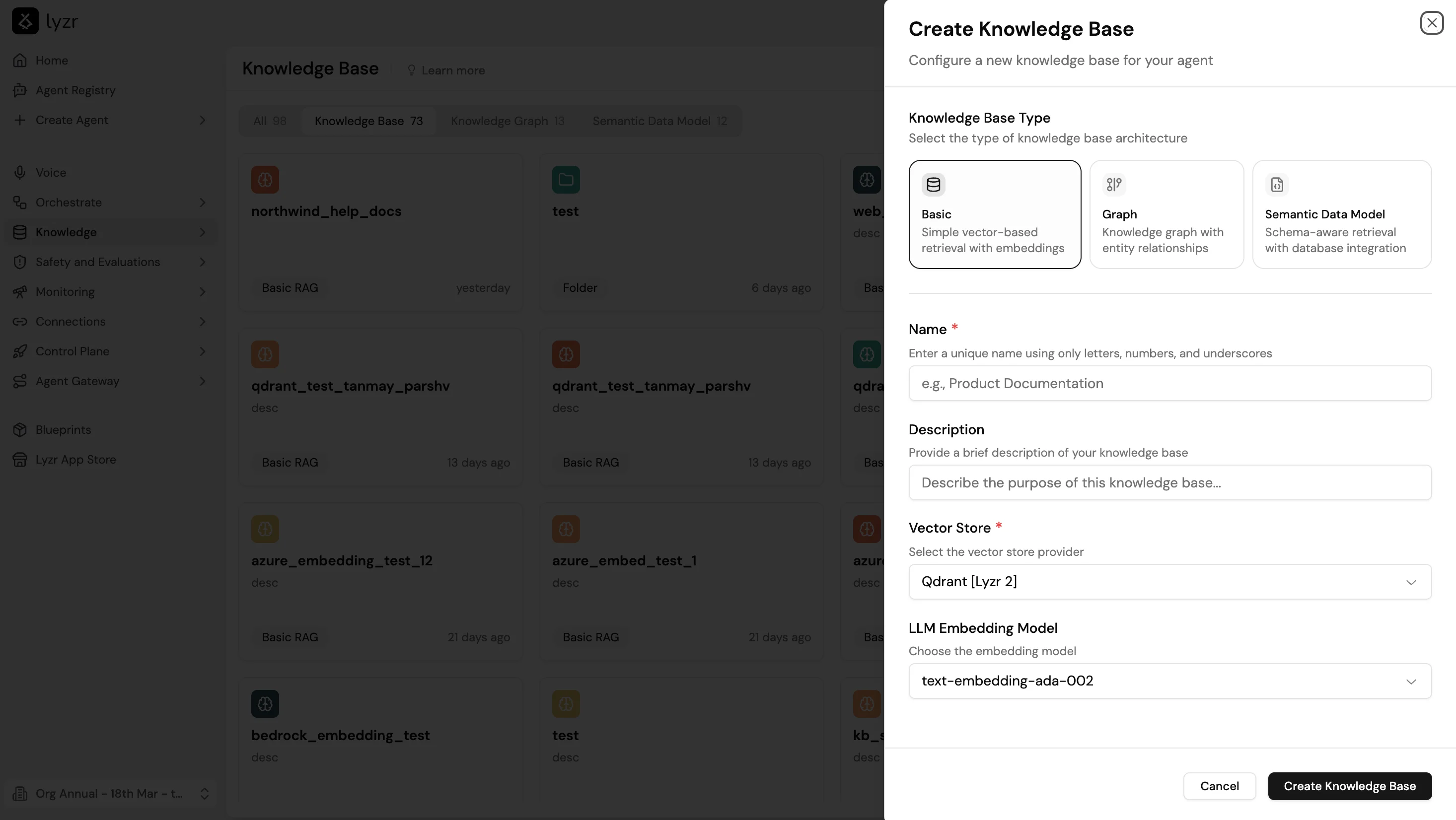
- Go to Knowledge Base and select + New.
- Select Basic as the Knowledge Base Type. This option uses simple vector-based retrieval with embeddings.
- Enter a Name (letters, numbers, and underscores only) and an optional Description.
- Select a Vector Store and LLM Embedding Model.
- Select Create Knowledge Base.
- Add content through file upload, text, URL, or live source.
- Train the KB.
- Attach it to an agent through the agent builder’s Knowledge Base feature.
Supported file types
.pdf.doc.docx.txt- Website URLs
Upload limitations
Chunking strategy
Chunking controls how documents are split before embedding. Smaller chunks improve precision; larger chunks preserve context.Retrieval types
Retrieval modes
Retrieval mode controls how the agent uses the Knowledge Base to answer a query. It is a separate choice from the retrieval type above, which controls the similarity algorithm. Three modes are available:Score threshold
The score threshold filters out chunks whose similarity score falls below a minimum value. Raising the threshold improves answer precision but may reduce recall on borderline queries. Start at the default and adjust based on test results.Playground Retrieval
Once the KB is trained, open it and use the Playground Retrieval panel on the right to test retrieval before attaching it to an agent. Type a query in the input field and select Retrieve to see the matching chunks and their similarity scores. This lets you verify that the right content is surfacing for representative questions and catch chunking or configuration issues before doing a full agent deployment.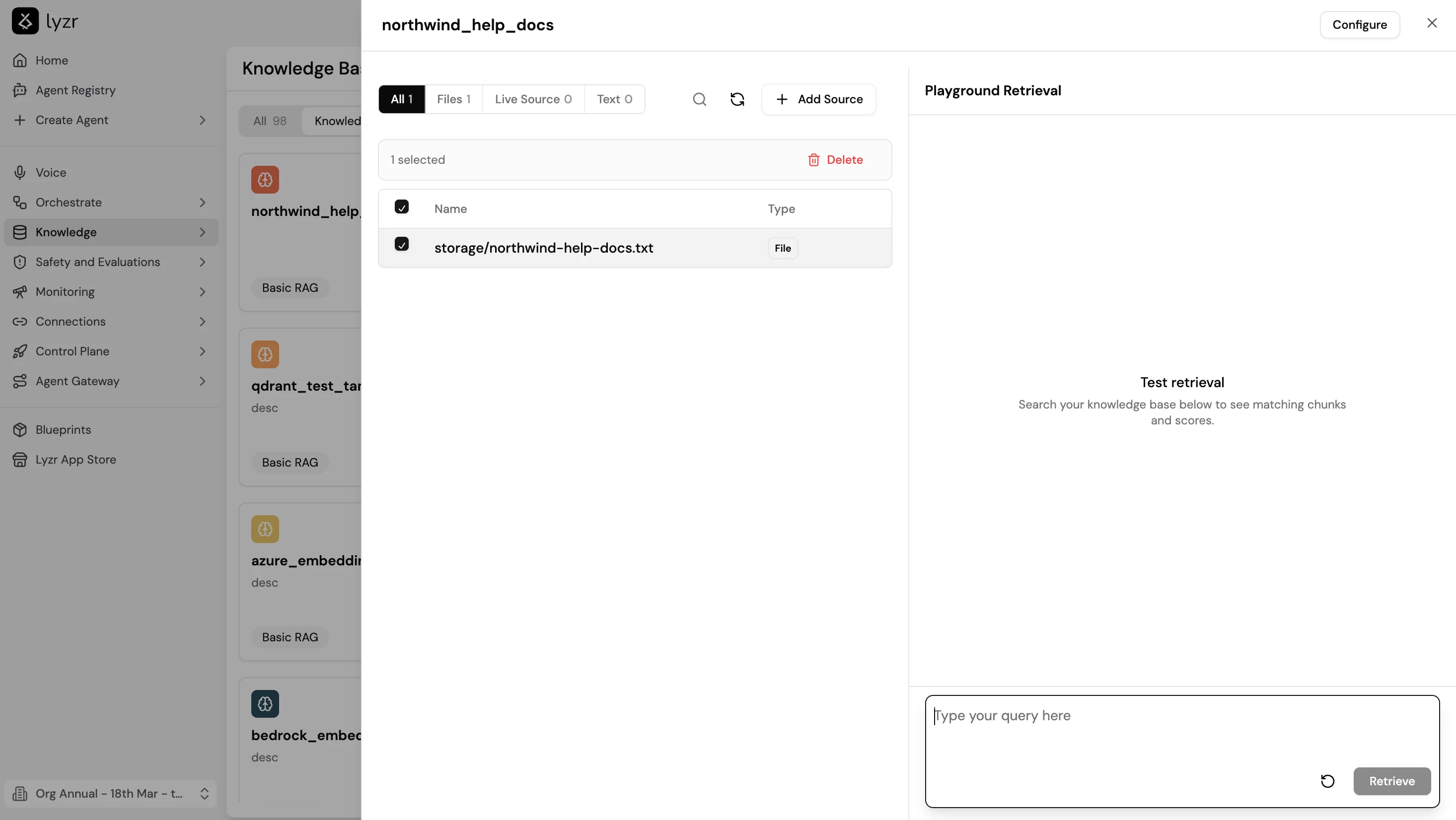
Live Sources
Live Sources automatically sync content on a configurable frequency. When new content is detected, Lyzr adds the delta instead of re-ingesting everything. Available for:- SharePoint: syncs documents from selected SharePoint sites
- Website: crawls and re-indexes updated pages
- Google Drive: planned support