

🛠️ Types of Tools in Lyzr
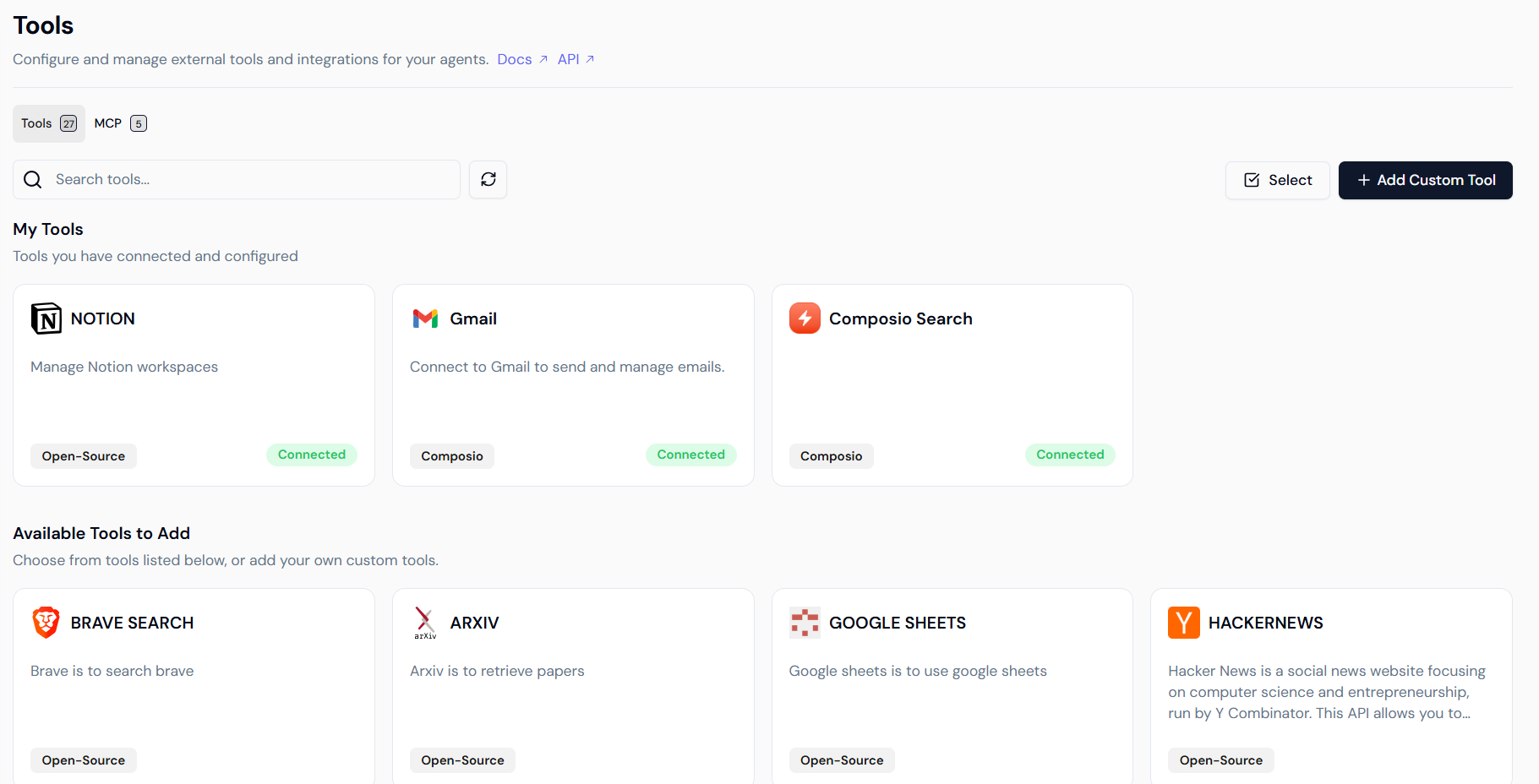
Lyzr offers three primary methods for integrating external capabilities: Managed Tools, the MCP Library, and Custom Tools.1. Readily Available (Managed) Tools
Lyzr provides a rich, expansive library of pre-built, managed tools. These tools are maintained by Lyzr and are designed for popular, widely-used platforms.- Simple Integration: To use them, navigate to the Tools page from the sidebar, select a desired pre-built tool, and securely sign in with your account.
- Instant Functionality: Each tool supports multiple specific actions that your agents can perform instantly.
- Configure Tools on the Go: You can now use agents with tools externally and authenticate users dynamically. For example, you can connect to LinkedIn, generate a post, and publish it specifically for the currently signed-in user.
- Multi-Account Support: Lyzr now provides the ability to connect multiple accounts to the same tool, allowing for more flexible workspace management.
2. MCP Library (Model Context Protocol)
Lyzr now includes a dedicated MCP Library tab to support the Model Context Protocol.- Direct Connectivity: Directly connect to any MCP-compatible tools.
- Seamless Capabilities: Access all supported tool capabilities seamlessly through this standardized protocol.
- Centralized Management: View and manage your MCP integrations alongside your other connected tools.
3. Custom Tools (Extending Platform Capabilities)
With Lyzr Custom Tools, you gain the ability to extend the platform’s native capabilities by defining your own actions and integrations. This is crucial for connecting to proprietary systems or specialized internal functionalities.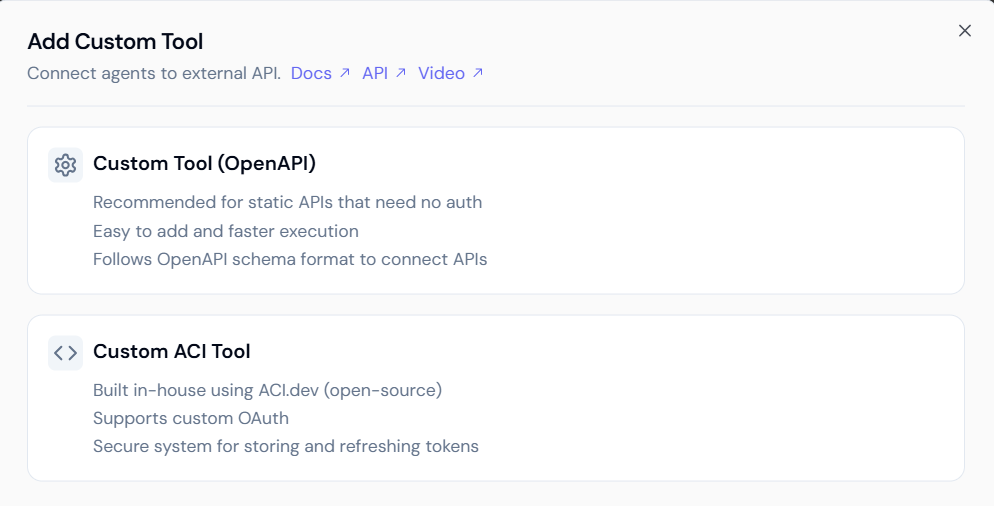 Custom Tools are implemented using the following method:
Custom OpenAPI Tools
- Description: This method is designed for integrating any external service that adheres to the OpenAPI (formerly Swagger) specification. This is the ideal way to connect your Lyzr agent to existing internal microservices, private APIs, or public APIs.
- Automated Tool Creation: You provide the OpenAPI specification file (in JSON or YAML format), and the Lyzr platform automatically parses the schema to define the necessary tool structure, actions, and parameters.
🔒 Security, Authentication, and Governance
Lyzr is architected with robust security and data governance principles to ensure your credentials and data remain protected.1. Account Governance and Disconnection
Lyzr allows you to manage multiple active connections for a single tool. You can view all Connected Accounts and disconnect specific instances to maintain strict control over your agent’s access.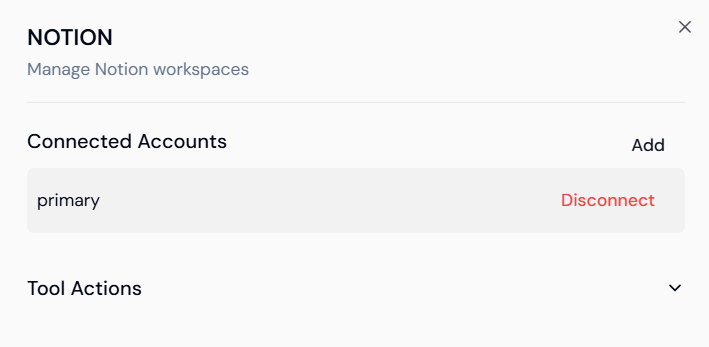
2. Secure Storage and On-Premise Options
- For SaaS Clients: All access credentials, including sensitive API keys and refresh tokens, are securely stored within Lyzr’s dedicated infrastructure.
- For On-Premise Deployments: Organizations requiring maximum control can host the entire system—including secure credential storage—within their private infrastructure.
3. Support for Custom OAuth Applications
- Client-Managed Authentication: SaaS clients can integrate their own custom OAuth applications for external services, ensuring the organization retains full ownership of the authentication process and data access.
- Governed Permissions: Data retrieval and permissions remain fully governed by the client’s own application scope.