

Connecting Weaviate Vector Store
Lyzr integrates with Weaviate, an open-source vector database, to enable lightning-fast similarity search and scalable data retrieval for your AI agents. By linking your Weaviate cluster, you provide your agents with a high-performance memory layer.Configuration & Connection
To connect Lyzr to your Weaviate instance, you must input the following credentials in the connection modal:- Unique Name: A custom identifier for this data store (e.g., “Weaviate_Main_DB”).
- Vector Store API Key: The authentication token generated within your Weaviate Cloud console.
- Vector Store URL: The REST endpoint address of your specific cluster.
Retrieving Your Credentials
Follow these steps within the Weaviate Cloud (WCD) console to locate your connection details:1. Accessing the Dashboard
Log in to your Weaviate Cloud account. If you do not have an active cluster, you will see the option to create one from your dashboard.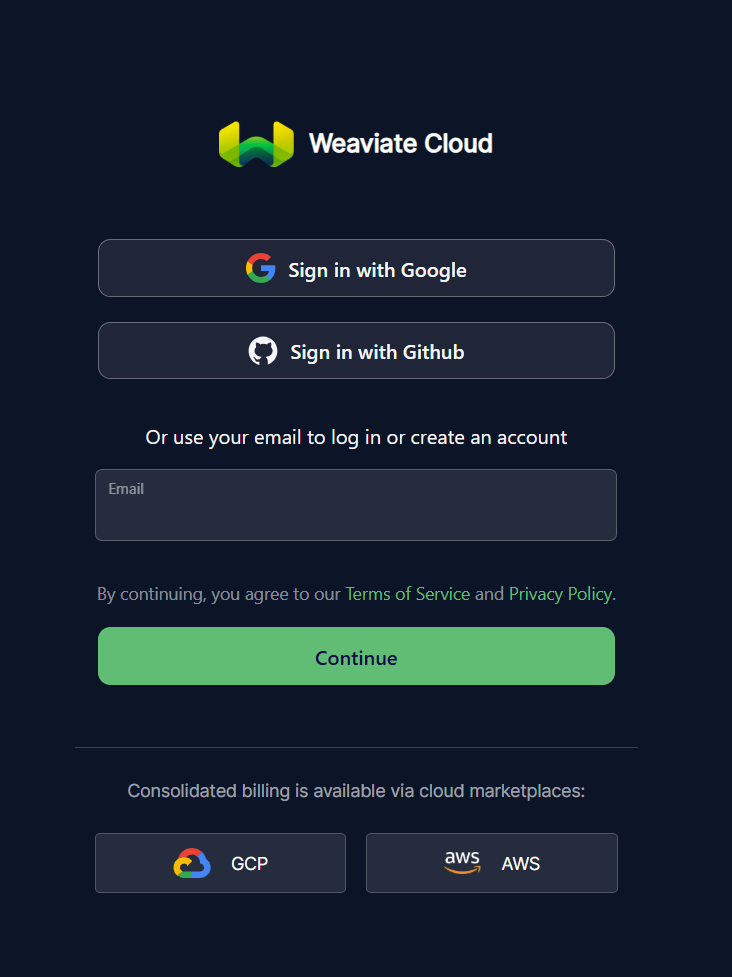 Figure 1: Logging into the Weaviate Cloud interface.
2. Creating a New Cluster
Navigate to the Clusters tab and click + Create cluster. You can choose between a Sandbox (free for 14 days), a Shared, or a Dedicated tier depending on your requirements.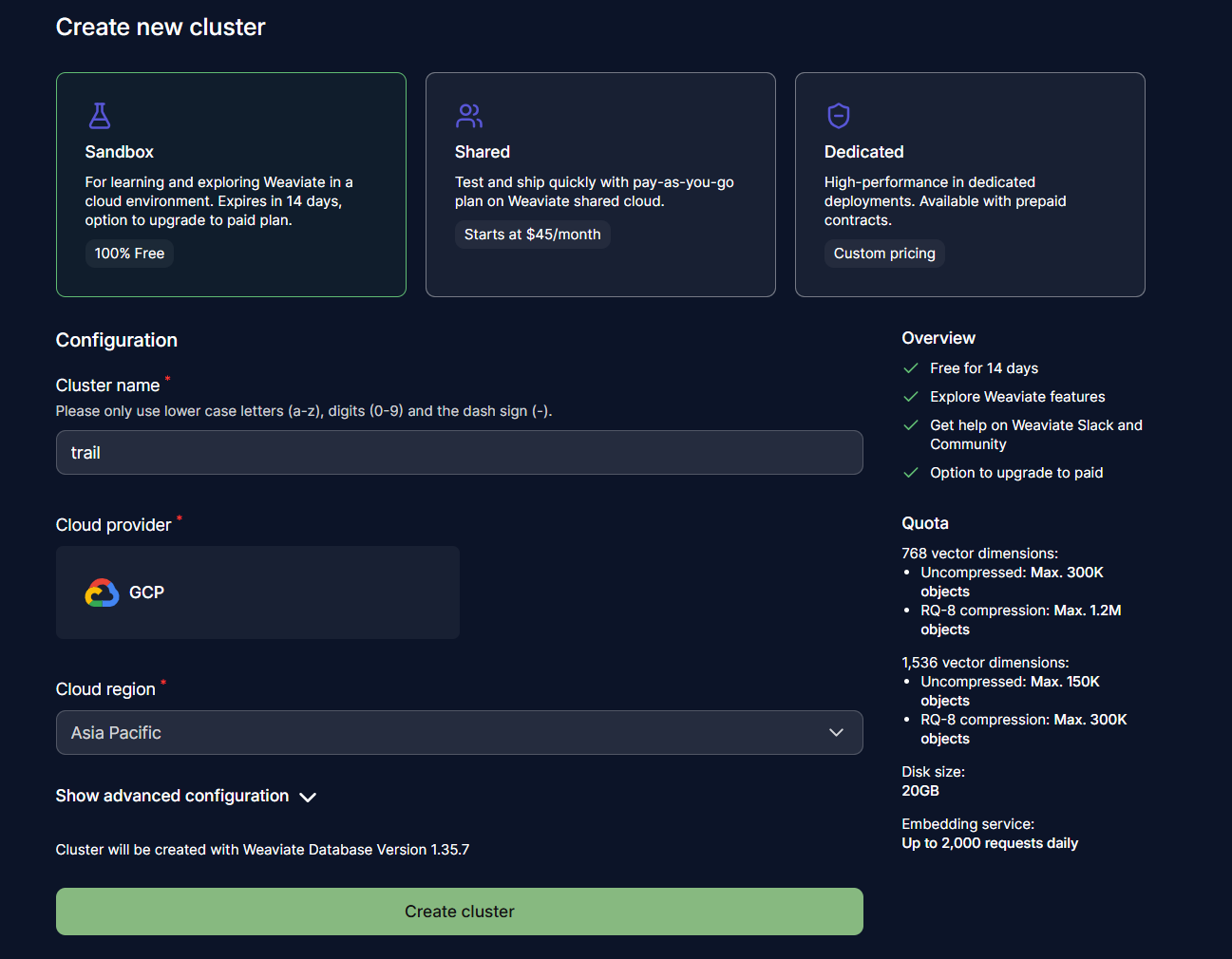 Figure 2: Configuring a new Weaviate cluster.
3. Locating Endpoints and API Keys
Once your cluster is deployed, click on it to view its details. Under the Endpoints section, copy the REST Endpoint. To get your credentials, navigate to the API Keys section below the endpoints to generate or copy your existing key.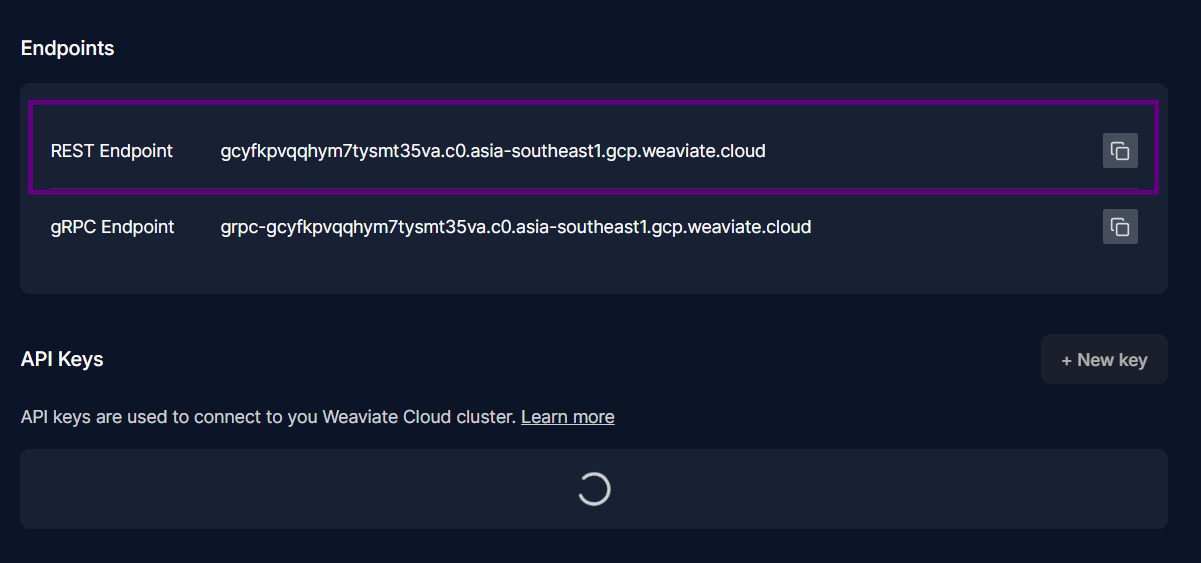 Figure 3: Finding the REST Endpoint and API Key in the cluster details.
Finalizing the Connection
Return to the Lyzr dashboard and enter the gathered information into the Connect Weaviate vector_store modal.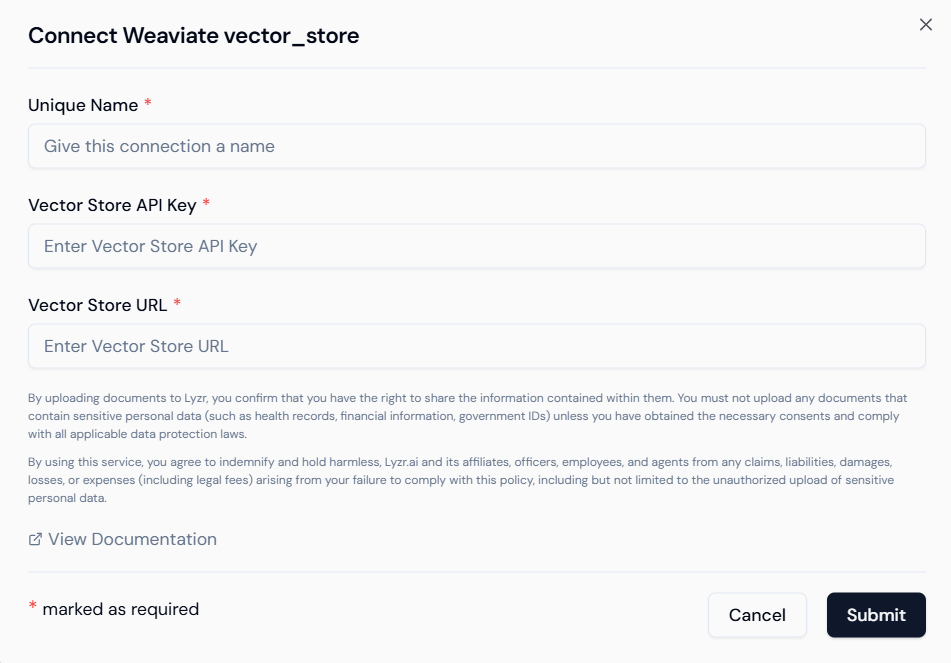 Figure 4: Entering Weaviate credentials into Lyzr.
- Validation: Click Submit to verify the credentials. Once validated, the status will update to reflect a successful connection.
- Security: Always treat your API keys as sensitive information. Weaviate API keys should be stored securely and never shared in public repositories.