> ## Documentation Index
> Fetch the complete documentation index at: https://docs.lyzr.ai/llms.txt
> Use this file to discover all available pages before exploring further.
# Help & Support
> Stuck on something? Reach out to the Architect team directly from inside the product — via a support form or live chat.
## Help & Support Form
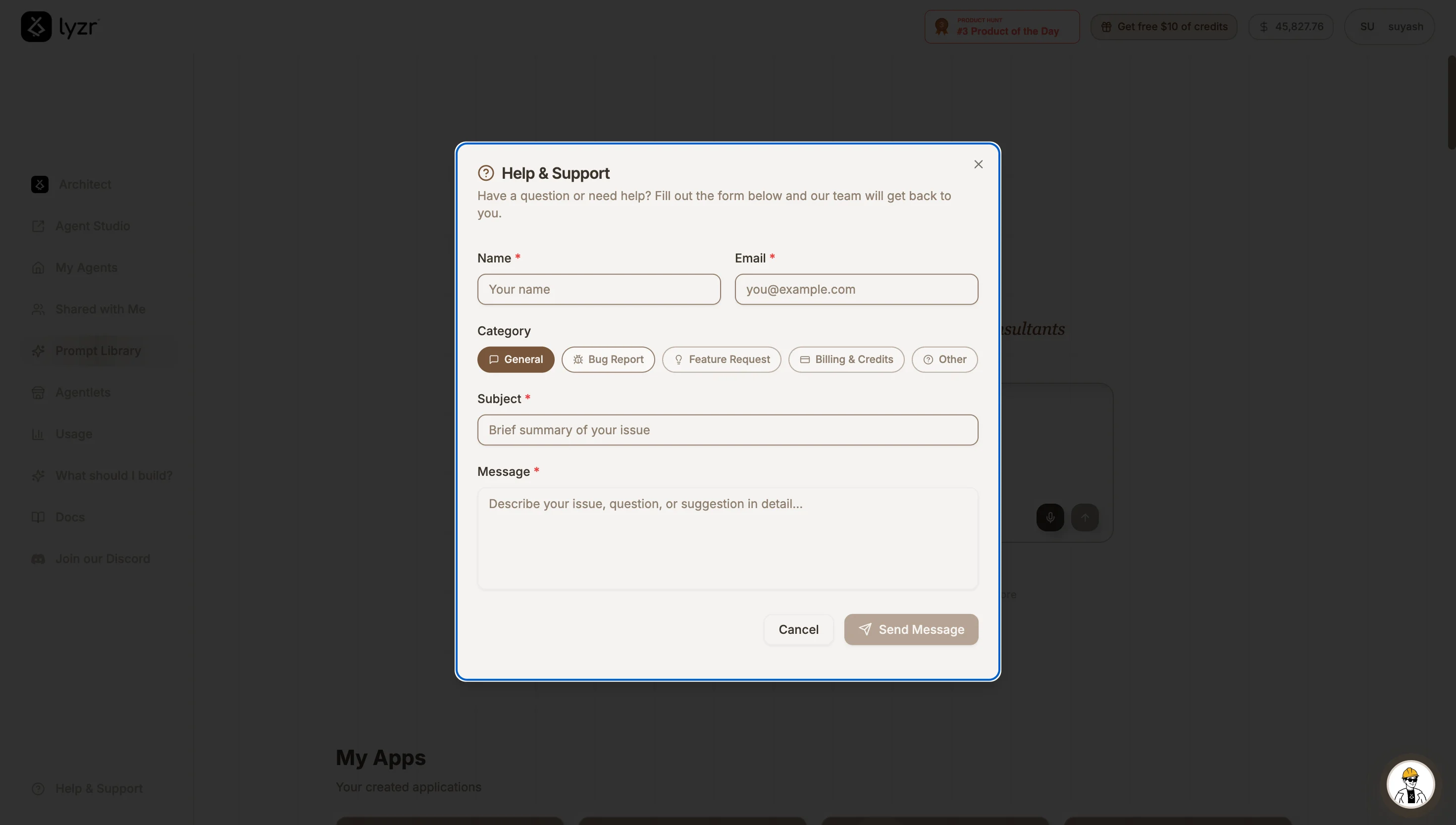
For any query, question, or issue, click the **Help & Support** button at the **bottom-left of the homepage sidebar**. This opens a form where you can describe what you're running into, and our team will get back to you over email.
 ## Live Chat for Real-Time Help
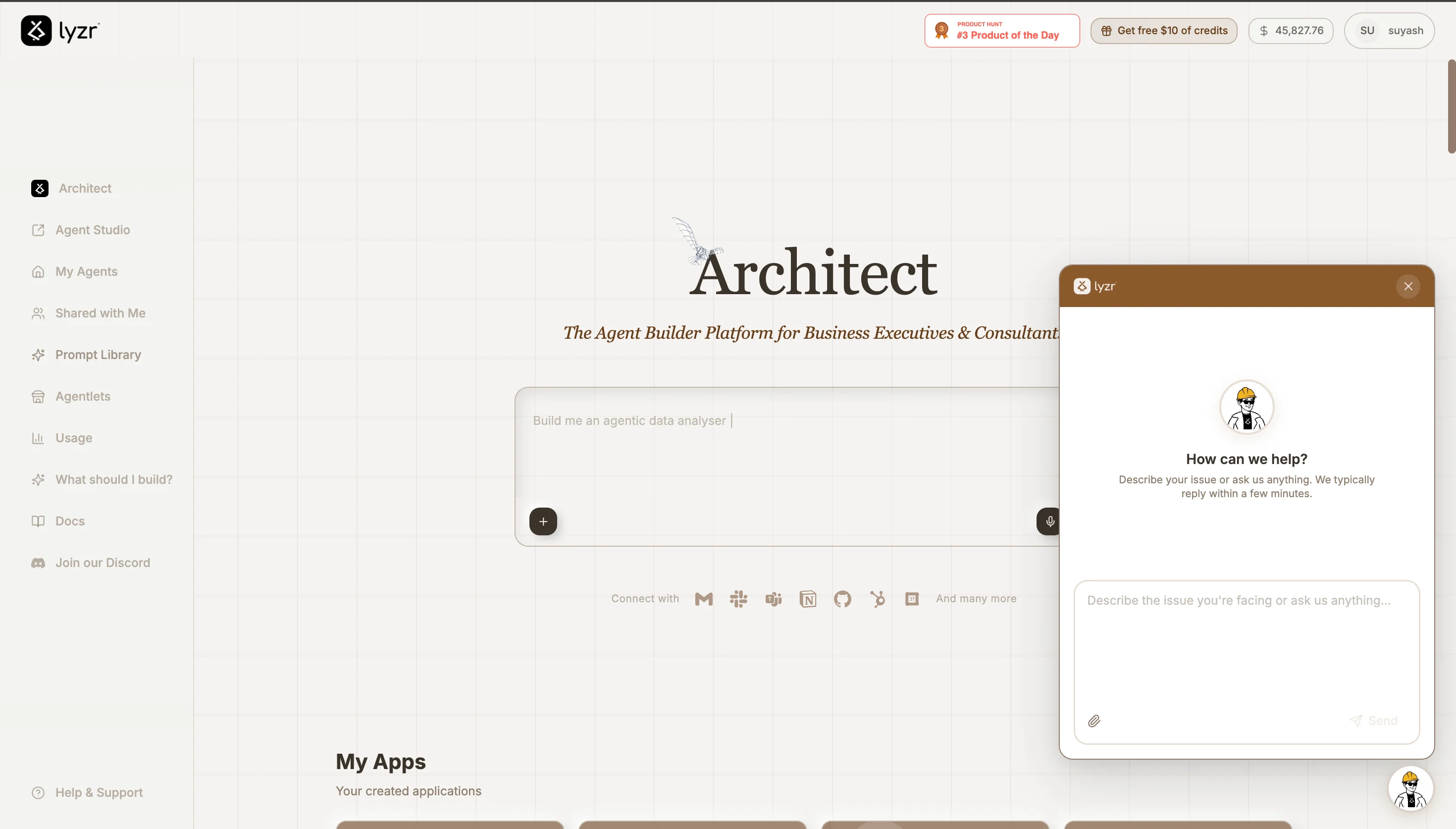
Need something answered right away? Click the **mascot icon floating at the bottom-right of the screen** to open a live chat and ask your query. This is the fastest way to get real-time support while you're building.
## Live Chat for Real-Time Help
Need something answered right away? Click the **mascot icon floating at the bottom-right of the screen** to open a live chat and ask your query. This is the fastest way to get real-time support while you're building.